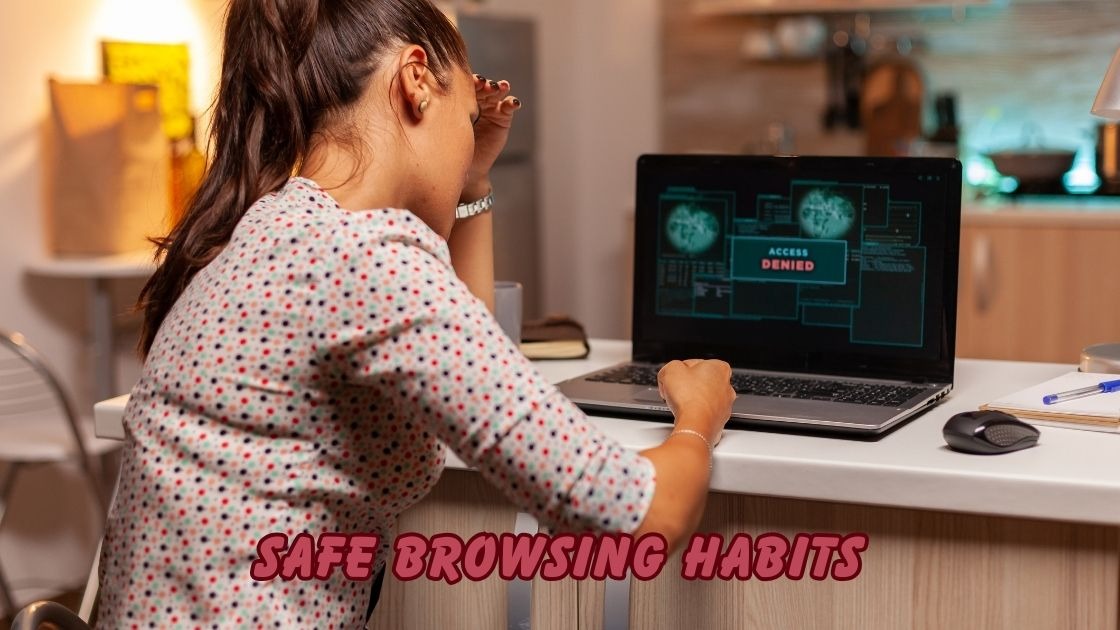
The internet has become an essential part of daily life, but without safe browsing habits, you’re leaving yourself vulnerable to countless online dangers. Every click, download, and website visit carries potential risks that can compromise your personal data, financial information, and digital identity.
Cybercriminals are constantly developing sophisticated methods to target unsuspecting users through phishing attacks, malware infections, and data breaches. Whether you’re shopping online, checking emails, or simply scrolling through social media, threats lurk around every corner of the digital world.
This comprehensive guide will walk you through practical strategies for internet security and online privacy protection. You’ll learn how to recognize suspicious websites, create strong passwords, enable two-factor authentication, and safeguard your sensitive information from hackers. By the end of this article, you’ll have the knowledge needed to navigate the web confidently while keeping cyber threats at bay.
Understanding Safe Browsing Habits and Why They Matter
Safe browsing habits refer to the practices and behaviors that protect you while using the internet. These habits form a protective shield between you and the numerous threats that exist in the digital landscape. Think of them as your personal security protocol that keeps your information secure every time you go online.
The importance of developing safe browsing habits cannot be overstated in today’s connected world. Cybercrime costs individuals and businesses billions of dollars annually, with identity theft and financial fraud being among the most common consequences. When you practice proper online safety measures, you significantly reduce your chances of becoming another statistic.
The Evolution of Online Threats
The internet has evolved significantly from its humble beginnings. Initially, threats were relatively simple viruses spread through floppy disks. Today, cybercriminals employ advanced techniques including ransomware, spyware, and social engineering attacks. This evolution means that safe browsing habits must also evolve to address modern challenges effectively.
Key Components of Safe Browsing Habits
Recognizing and Avoiding Phishing Attempts
Phishing remains one of the most prevalent cyber threats facing internet users. These deceptive attacks trick people into revealing sensitive information by masquerading as legitimate communications. Developing safe browsing habits includes learning to identify suspicious emails, messages, and websites that attempt to steal your credentials.
Double check the email address of the sender before you click on any link. Legitimate organizations never request passwords or financial details through email. When in doubt, contact the company directly through their official website rather than responding to unsolicited messages.
Creating Strong Password Security
Password management is a fundamental aspect of safe browsing habits that many users overlook. Weak passwords are like leaving your front door unlocked in a dangerous neighborhood. Hackers employ advanced software capable of breaking weak passwords in mere moments.
Consider these essential password practices:
- Use a minimum of twelve characters combining uppercase, lowercase, numbers, and symbols
- Create unique passwords for every online account you maintain
- Implement a reputable password manager to store credentials securely
- Update your passwords right away when you notice any suspicious account activity.
- Keep your passwords completely private and avoid sharing them with any person.
Enabling Two Factor Authentication
Two factor authentication provides an additional security barrier on top of your password. This security feature requires a second verification method, typically a code sent to your phone or generated by an authenticator app. Even if someone obtains your password, they cannot access your account without this additional verification.
Practical Tips for Maintaining Safe Browsing Habits
Keeping Software and Systems Updated
Regular updates are crucial for maintaining safe browsing habits across all your devices. Software developers constantly release patches that fix security vulnerabilities discovered in their programs. Delaying these updates leaves your system exposed to known threats that hackers actively exploit.
Enable automatic updates whenever possible for your operating system, web browser, and antivirus software. This ensures you always have the latest security protections without needing to remember manual updates.
Using Secure Networks and VPN Protection
Public wifi networks pose significant risks to your online security. These unsecured connections allow cybercriminals to intercept your data through various attack methods. Safe browsing habits include being cautious about which networks you connect to and what activities you perform on them.
A VPN secures your online activity by encrypting data and hiding your real IP address. This tool is particularly valuable when you must use public wifi for banking, shopping, or accessing sensitive accounts. Investing in a reliable VPN service strengthens your overall digital security posture.
Verifying Website Security
Before entering any personal information online, always check for website security indicators. Look for these important signs:
- The URL begins with HTTPS rather than HTTP
- A small lock symbol displays next to the website address in your browser.
- The website has a valid security certificate
- The domain name matches the official company name
- No browser warnings appear about site security

Common Mistakes That Compromise Safe Browsing Habits
Many internet users unknowingly engage in risky behaviors that undermine their security efforts. Clicking on pop up advertisements, downloading files from unverified sources, and oversharing on social media all create vulnerabilities. Being aware of these common pitfalls helps you maintain consistent safe browsing habits throughout your online activities.
Additionally, ignoring browser security warnings is a dangerous practice. These alerts exist to protect you from potentially harmful websites. Always heed these warnings and navigate away from flagged sites immediately.
Conclusion
Developing safe browsing habits is no longer optional but essential for anyone who uses the internet regularly. Throughout this guide, we explored critical practices including strong password creation, two factor authentication, phishing awareness, and secure network usage. These strategies work together to create a robust defense against cyber threats targeting your personal and financial information.
By implementing these safe browsing habits consistently, you take control of your online security and protect your digital identity. Remember that cybercriminals constantly evolve their tactics, so staying informed and vigilant remains crucial. Start applying these internet safety practices today and enjoy a more secure online experience for years to come.