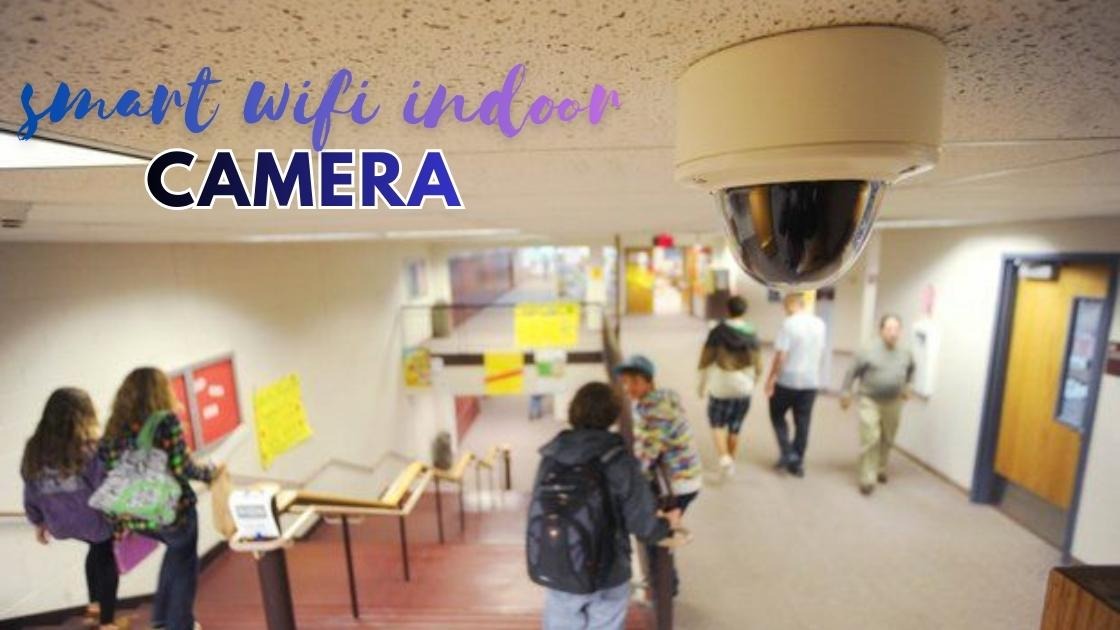
A smart wifi indoor camera has become an essential tool for homeowners who want to keep their property safe around the clock. Whether you’re at work, traveling, or simply in another room, these devices let you monitor your home in real time using just your smartphone.
This guide covers the top choices you can find on the market today. You’ll learn what features matter most like night vision, motion detection, and two-way audio so you can make an informed decision. We’ll also cover tips for choosing the right home security camera based on your budget and needs.
If you’re looking to upgrade your indoor surveillance setup without breaking the bank, you’re in the right place. Let’s dive into the top picks that offer reliability, ease of use, and peace of mind.
What Is a Smart WiFi Indoor Camera?
A smart wifi indoor camera is a wireless device that connects to your home network and allows you to monitor your living space remotely. Unlike traditional security systems, these cameras don’t require complicated wiring or professional installation.
Most models work through a dedicated app on your smartphone or tablet. This gives you access to live streaming, recorded footage, and instant alerts wherever you are. The convenience and affordability of these devices have made them incredibly popular among homeowners and renters alike.
How Does It Work?
The camera links to your home network through a WiFi connection. Once paired with an app, it transmits video footage to your device in real time. Many models also offer cloud storage or local storage options through microSD cards.
The camera alerts your phone with a push notification whenever it detects movement. You can then check the live feed, speak through two-way audio, or even trigger an alarm if needed.
Why You Need Indoor Surveillance for Your Home
Home security is no longer a luxury. With rising concerns about break-ins, package theft, and unexpected visitors, having a reliable indoor surveillance system provides peace of mind.
A smart wifi indoor camera helps you stay connected to your home 24/7. Parents use them to check on children. Pet owners rely on them to watch their furry friends. Business owners install them to monitor office spaces after hours.
Key Benefits of Using a Wireless Security Camera
Here are the main advantages of investing in a quality wireless security camera:
- Easy Installation: No drilling or professional help required. Most cameras are plug and play.
- Remote Access: View your home from anywhere using your smartphone.
- Cost Effective: Affordable upfront costs with optional subscription plans for extra features.
- Versatile Use: Works as a baby monitor, pet camera, or general security device.
- Smart Home Integration: Most cameras sync seamlessly with Alexa, Google Assistant, or Apple HomeKit.
Top Features to Look for in a Smart WiFi Indoor Camera
Not all cameras are created equal. When shopping for a smart wifi indoor camera, focus on features that match your specific needs.
Night Vision and Video Quality
A good camera should offer night vision so you can see clearly even in complete darkness. Choose models that offer a minimum of 1080p resolution. Some premium options now offer 2K or even 4K video for sharper images.
Motion Detection and Alerts
Motion detection is a must-have feature. It ensures you’re notified instantly when something moves in your home. Advanced models let you set activity zones to reduce false alerts from pets or passing shadows.
Two-Way Audio and Sound Detection
Two-way audio allows you to communicate through the camera. This is useful for talking to family members, greeting visitors, or even scaring off intruders. Some cameras also detect unusual sounds like glass breaking or smoke alarms.
Storage Options
You have the option of cloud storage or local storage. Cloud plans usually require a monthly fee but offer secure backup. Local storage through a microSD card is a one-time cost but may lack remote access to older footage.
Common Challenges and How to Overcome Them
While a smart wifi indoor camera offers many benefits, there are a few challenges to consider.
Privacy Concerns
Some people worry about hackers accessing their camera feeds. To protect yourself, always use strong passwords and enable two-factor authentication. Choose brands with a solid reputation for security.
WiFi Connectivity Issues
A weak WiFi signal can cause lag or disconnection. Place your camera within a reasonable range of your router. Consider using a WiFi extender if needed.
Subscription Costs
Many cameras offer basic features for free but charge for advanced options like extended cloud storage or person detection. Review the pricing structure before purchasing to avoid surprises.

Popular Use Cases for Home Monitoring
A smart wifi indoor camera fits many scenarios:
- Watching over sleeping babies from another room
- Keeping an eye on elderly family members
- Monitoring pets while at work
- Checking on deliveries or service workers
- Securing home offices or small businesses
These devices have evolved from simple security tools into versatile home monitoring solutions that fit modern lifestyles perfectly.
Conclusion
Investing in a smart wifi indoor camera is one of the easiest ways to enhance your home security without spending a fortune. These devices offer convenience, flexibility, and peace of mind for families, pet owners, and busy professionals.
From night vision and motion detection to two-way audio and smart home integration, today’s cameras pack powerful features into compact designs. By choosing a model that fits your needs and budget, you can enjoy reliable indoor surveillance around the clock.
A smart wifi indoor camera is no longer optional. It’s a practical necessity for modern living. Start protecting what matters most today.